Table of Contents
Enterprise storage management is all about choosing hardware built for uptime, planning for performance, and retiring drives securely when they reach end of life.
This guide breaks down the role hardware plays in enterprise storage management, why enterprise HDDs outperform consumer drives in demanding environments, and how to handle drive retirement the right way.
Here’s what you’ll learn:
- What enterprise storage management actually covers
- Why drive selection impacts uptime, performance, and compliance
- How enterprise HDDs compare to normal HDDs
- How to build secure end-of-life planning into your workflow
What Is Enterprise Storage Management?
Enterprise storage management is the practice of planning, operating, securing, and retiring storage infrastructure across business environments. It applies to offices, hospitals, data centers, server rooms, backup systems, and cloud-connected infrastructure that must run 24/7.
Done well, it delivers predictable performance, high availability, and a clean compliance trail; done poorly, it creates failure points that threaten your uptime targets and put sensitive data at risk.
The discipline covers four core areas:
- Hardware selection: matching drives and arrays to workload demands
- Performance and capacity planning: scaling to meet growing data needs
- Security and compliance: protecting data throughout its lifecycle
- End-of-life handling: retiring media securely and responsibly
Why Drive Selection Matters in Enterprise Storage Management

Storage hardware is the foundation of any enterprise environment. Choosing the wrong drives, means inheriting downtime risk, dealing with weaker reliability under continuous load, and higher failure rates in mission-critical workflows.
For important infrastructure that requires 99.99% uptime, this decision is not optional. Consumer drives are engineered for a few hours of daily use, while enterprise drives are built to run continuously, at scale, under sustained pressure.
Drive selection directly shapes:
- Downtime risk: enterprise drives carry higher mean time between failures
- Workload tolerance: enterprise media handles multi-threaded, sustained I/O
- Capacity planning: high-capacity enterprise drives reduce sprawl
- Compliance exposure: reliable hardware supports auditable data integrity
- Replacement cycles: longer-lasting drives lower total cost of ownership
Enterprise HDDs vs. Normal HDDs
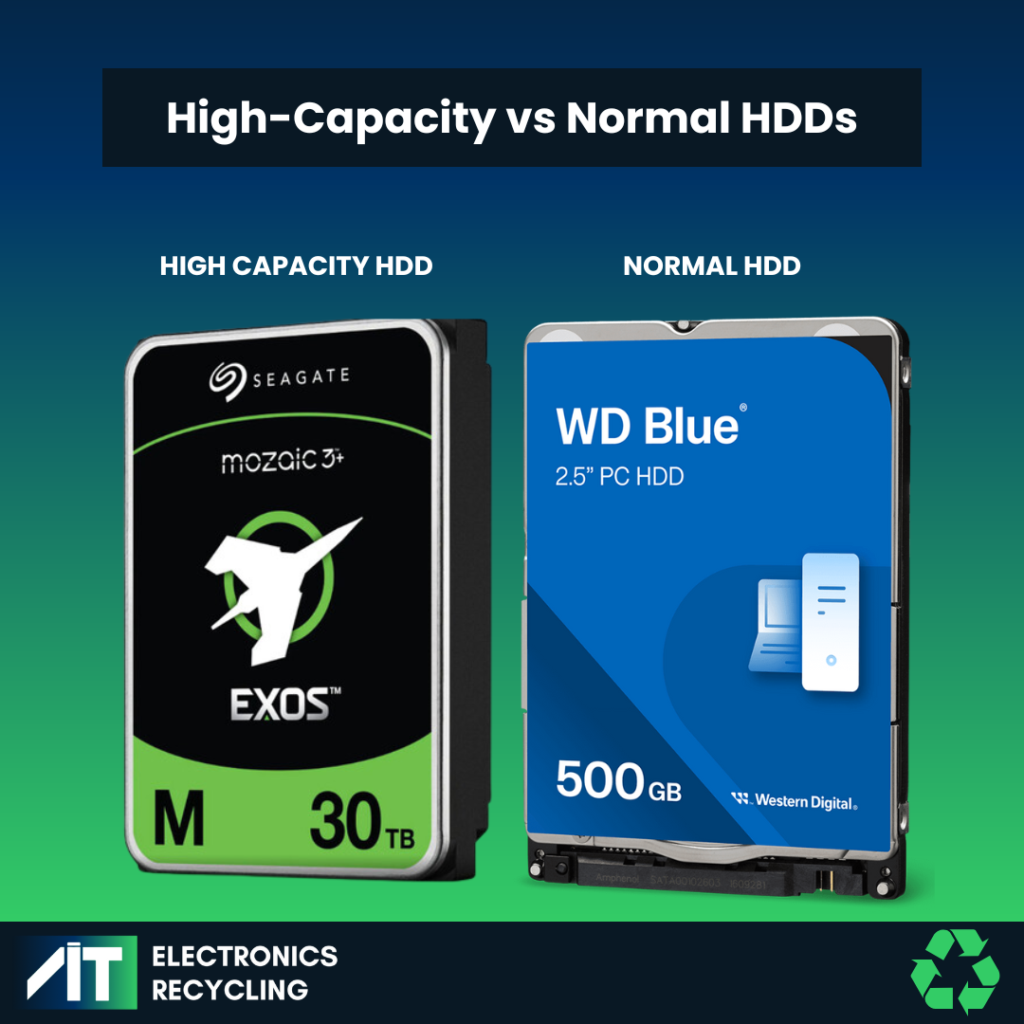
To manage storage effectively, you need to understand how each drive type is built and where it belongs. The comparison below highlights the differences that matter most for enterprise environments.
| Category | Enterprise HDDs | Normal HDDs |
|---|---|---|
| Durability | Built for 24/7 operation; resistant to heat, vibration, and wear. MTBF: 2M+ hours. | Built for intermittent use; less resistant to environmental stress. MTBF: under 1M hours. |
| Performance | 10,000–15,000 RPM; advanced error correction; optimized for sustained workloads. | 5,400–7,200 RPM; limited error recovery; struggles under heavy load. |
| Capacity | 8TB to 20TB+; ideal for large-scale storage. | 500GB to 5TB; suited to personal or small-scale use. |
| Use Cases | Data centers, offices, hospitals, cloud platforms, AI, compliance-heavy industries. | Laptops, desktops, home backups, low-demand office tasks. |
Durability and Reliability
Enterprise HDDs are engineered for toughness: they run around the clock, resist heat and vibration, and deliver a mean time between failures of 2 million hours or more. Normal HDDs, rated below 1 million hours, will wear down quickly in high-demand environments.
Performance
Faster spindle speeds and advanced error correction give enterprise drives a clear edge. They handle intensive, multi-threaded workloads like virtualization and large data transfers without choking, while consumer drives lack the recovery features needed for mission-critical accuracy.
Capacity
Enterprise drives pack 8TB to 20TB+ into standard form factors, meeting the demands of large organizations, while consumer drives typically cap out at 5TB, which limits their value in business environments.
Where Enterprise HDDs Fit Best
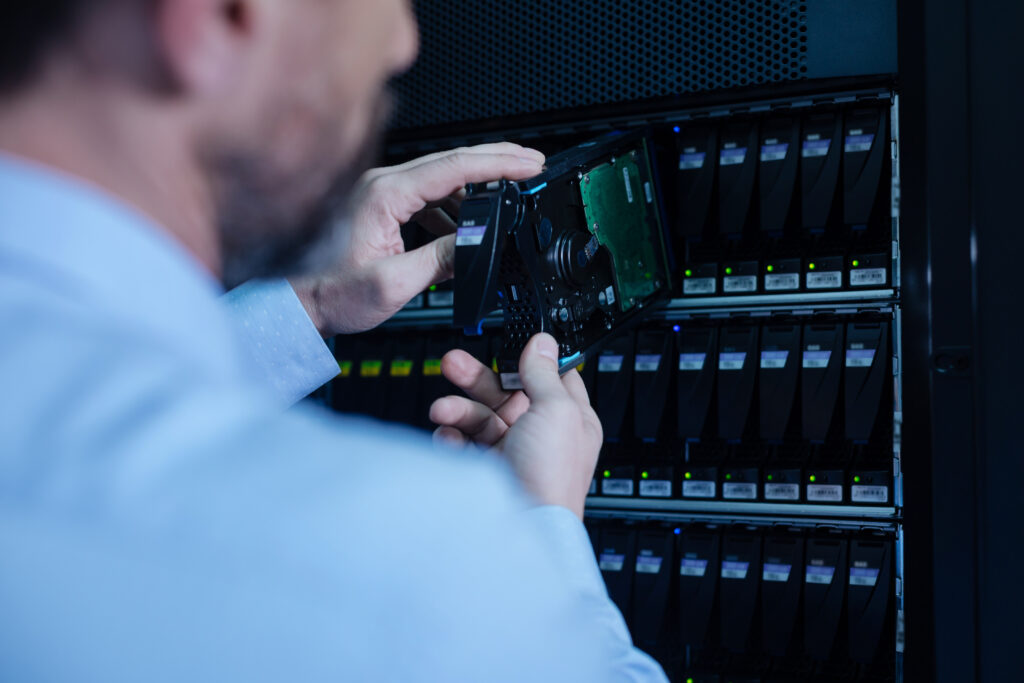
Enterprise drives earn their premium in environments where downtime and data loss carry real costs. If your workloads run continuously or handle sensitive data, enterprise-grade hardware is the baseline, not the upgrade.
Enterprise HDDs are the right fit for:
- Data centers and server farms running high-availability infrastructure
- Cloud computing platforms with sustained, multi-tenant demand
- Compliance-heavy industries like healthcare and finance requiring always-on storage
- Hospitals and healthcare facilities managing patient records, imaging data, and clinical systems that require continuous availability
- Corporate offices and enterprise environments handling large volumes of business-critical data across departments
- High-performance workloads including AI and big data analytics
Consumer drives create risk in these settings: their shorter lifespan and lower workload tolerance lead to premature failures and unplanned downtime. Match the drive to the workload; in demanding environments, enterprise HDDs protect uptime and reduce failure risk.
Enterprise Storage Management Includes End-of-Life Planning
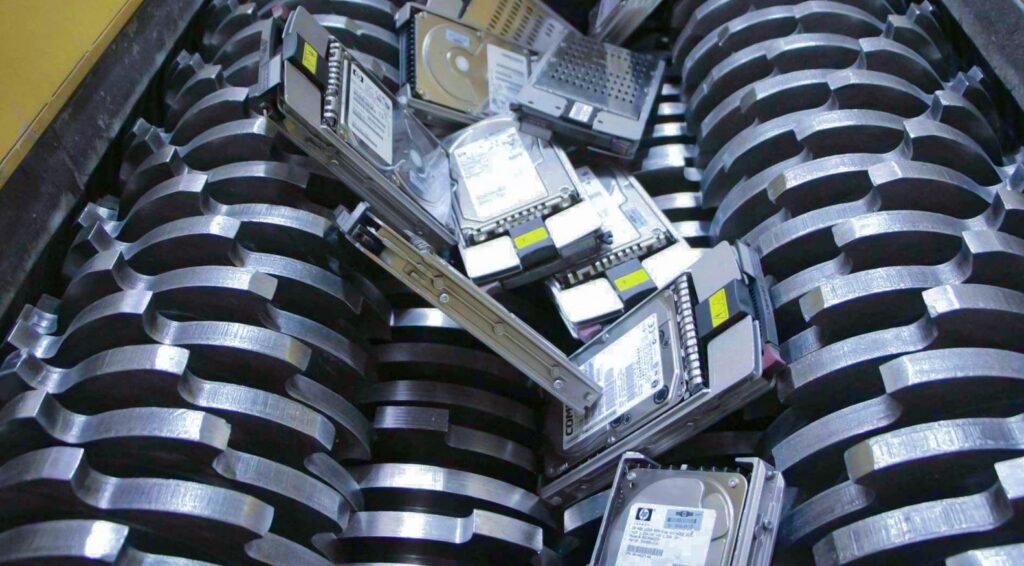
Storage lifecycle management does not end when a drive is decommissioned. A retired enterprise HDD still holds critical data, including financial records, client information, intellectual property – and that data remains recoverable until it is properly destroyed.
Skipping proper data storage retirement introduces two serious risks:
- Data breaches: residual data on drives can be exploited if not destroyed to standard
- Environmental hazards: HDDs contain lead, mercury, and cadmium that are toxic to the environment and health, requiring responsible recycling
This is where secure data destruction and IT asset disposition become part of your storage strategy: every retired drive needs verified destruction, documented chain of custody, and audit-ready reporting to satisfy privacy compliance during audits.
Proper end-of-life data storage device handling delivers:
- Verified destruction that removes the risk of data resurfacing
- A clean paper trail for security and compliance teams
- Responsible recycling that meets environmental standards
How AIT Delivers Enterprise Storage Management Support

Knowing the standard is one thing; executing it consistently across every drive, every time, is where a certified partner earns its value.
At AIT, we build secure lifecycle handling directly into your data storage management strategy. Our certified data destruction services destroy storage devices to the exact assurance level your data requires, on-site or off-site, using methods that meet and exceed NIST and IEEE standards.
Our process includes:
- Serialized intake and tracking: every device is inspected for data storage, and each storage device is individually scanned and reconciled against your asset list on arrival.
- Certified destruction: we apply wiping, degaussing, and ultimately shredding, based on your security needs in accordance with NIST SP 800-88 Rev. 2 guidelines.
- Certified destruction: high-assurance media is shredded in accordance with NIST SP 800-88 Rev. 2 guidelines.
- Full documentation: you receive a Certificate of Data Destruction and complete chain-of-custody reports for a clean audit trail.
For organizations retiring hardware at scale, our comprehensive IT Asset Disposition (ITAD) program folds secure data sanitization and e-waste recycling into a repeatable, end-to-end workflow – from secure logistics to value recovery and responsible recycling.
FAQ
What is a data storage device?
A data storage device is any hardware component used to record, retain, and retrieve digital information. In enterprise environments, this includes hard disk drives (HDDs), solid-state drives (SSDs), magnetic tape, and storage arrays — all of which hold business-critical data ranging from financial records to operational systems. The type of storage device an organization deploys directly affects performance, reliability, and how securely that data can be managed and retired at end of life. Common examples include:
• Hard disk drives (HDDs) – high-capacity magnetic storage used in servers and data centers
• Solid-state drives (SSDs) – flash-based storage built for faster read/write speeds and lower latency
• Magnetic tape – cost-effective, long-term archival storage for large data volumes
• Storage arrays – centralized systems that consolidate multiple drives for scalable, high-availability storage
What makes an HDD “enterprise-class”?
Enterprise HDDs are engineered for continuous, high-performance use in environments like data centers. They offer higher reliability, faster spindle speeds, and advanced error correction compared to consumer drives.
Can SSDs be handled the same way as hard drives at end of life?
SSDs store data as electrical charges in NAND flash memory, while hard drives store data on magnetic platters. That difference matters: methods like degaussing can work on HDDs, but they do not work on SSDs. If your organization retires both drive types, your data destruction process needs to match the technology. For a deeper explanation, read Does Degaussing Work on SSDs? The Surprising Truth.
Can you use an enterprise HDD in a regular computer?
Technically yes, but it’s not recommended. Enterprise HDDs generate more heat, consume more power, and aren’t optimized for intermittent use. A standard HDD is the better fit for personal devices.
How do you securely destroy data on an enterprise HDD?
AIT uses certified data destruction methods that meet and exceed NIST and IEEE standards:
• Wiping: overwriting data with multiple passes of random information.
• Degaussing: magnetic fields that render data unreadable.
• Shredding: physical destruction into small fragments.
Why is secure destruction critical to storage management?
Certified destruction protects sensitive business data, prevents legal penalties tied to mishandled client information, and reduces the risk of costly breach incidents. It also keeps your organization aligned with storage compliance standards.
How long do enterprise HDDs last?
Most enterprise HDDs are rated for up to 5 years of continuous use. Regular monitoring and maintenance help extend lifespan and preserve performance.
Put Enterprise Storage Management to Work
Strong enterprise storage management starts with the right drives and ends with secure, documented retirement. Choose enterprise HDDs for demanding workloads, plan for the full storage lifecycle, and partner with a certified provider to handle end-of-life the right way.
Whether you’re refreshing a single array or decommissioning an entire data center, AIT delivers certified data destruction, full chain-of-custody tracking, and audit-ready documentation.
Contact AIT today to build a secure enterprise storage management and data destruction solution tailored to your organization.