Data center issues often start with small mistakes: skipped maintenance, poor capacity planning, weak documentation, aging hardware, or cooling systems that no longer match current workloads.
The good news is that many of these issues can be mitigated with better planning and preventive processes. Below are 7 preventative data center management tips that can improve uptime, security, efficiency, and compliance.
Table of Contents
1. Regularly Maintain Equipment
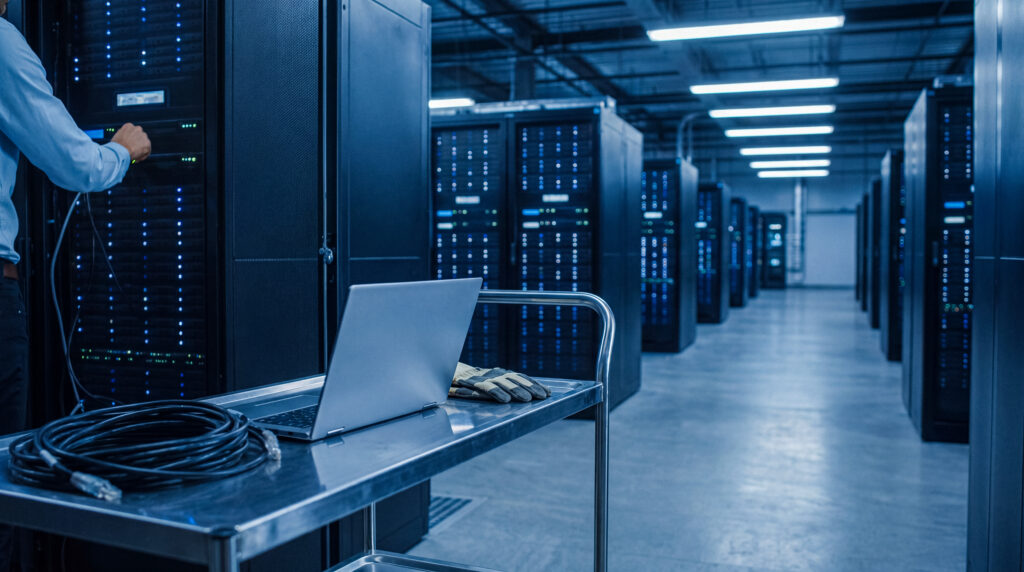
Don’t wait until equipment fails. UPS systems, backup generators, cooling units, cabling, racks, and monitoring tools all need regular review.
Why It Matters
Skipping maintenance can lead to:
- Unexpected hardware failures
- Power interruptions
- Cooling problems
- Poor system performance
- Shorter equipment lifespan
- Higher repair and replacement costs
Tips for Regularly Maintaining Equipment
Create a data center management plan that includes both routine checks and deeper inspections:
- Build a maintenance calendar for all critical systems. Many teams use a mix of:
- Continuous monitoring for temperature, power load, and alerts
- Daily or weekly visual/status checks for critical infrastructure
- Monthly or quarterly inspections for broader preventive maintenance
- Annual testing/service for certain power, cooling, and backup systems
- Inspect power, cooling, network, and server equipment on a set schedule
- Use monitoring tools to track temperature, power load, and hardware health
- Document completed maintenance and any issues found
- Review maintenance results after each cycle
- Replace parts before they reach failure points
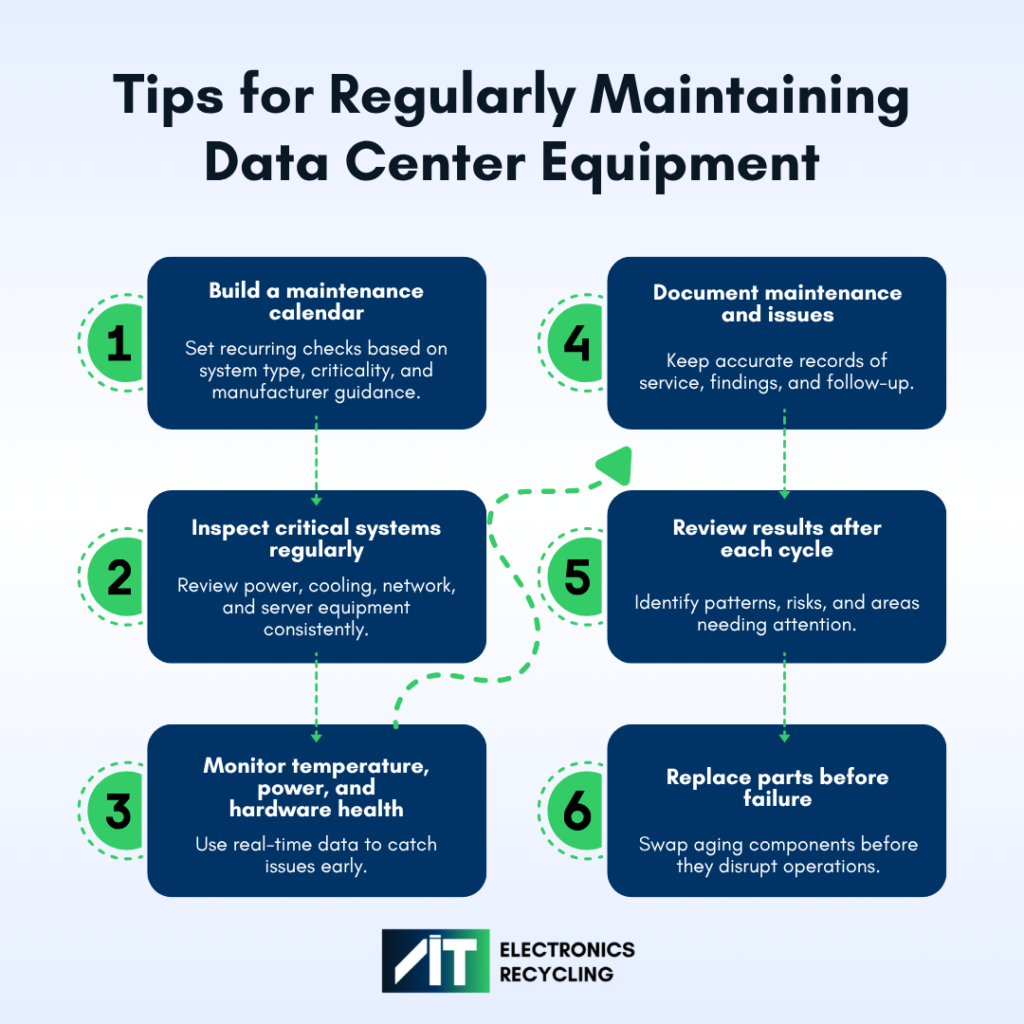
A strong preventive maintenance program helps teams move from reactive fixes to proactive risk reduction.
2. Don’t Ignore Scalability Needs

Data center needs change over time. Companies may not leave enough room for future power demand, rack space, cooling capacity, network bandwidth, or storage growth. If the data center is not designed to scale, growth efforts can become costly and disruptive.
Why It Matters
Poor scalability planning can create:
- Overloaded systems
- Limited rack or floor space
- Higher energy use
- Emergency hardware purchases
- Cooling strain
- Delayed deployments
- Increased downtime risk during upgrades
Tips for Ensuring Scalability Year over Year
- Review current and projected workloads
- Track storage, compute, and bandwidth trends
- Leave room for additional rack space and power capacity
- Use modular systems where possible
- Choose scalable cooling and power solutions
- Revisit capacity plans at least once or twice per year
- Include business leaders in growth discussions
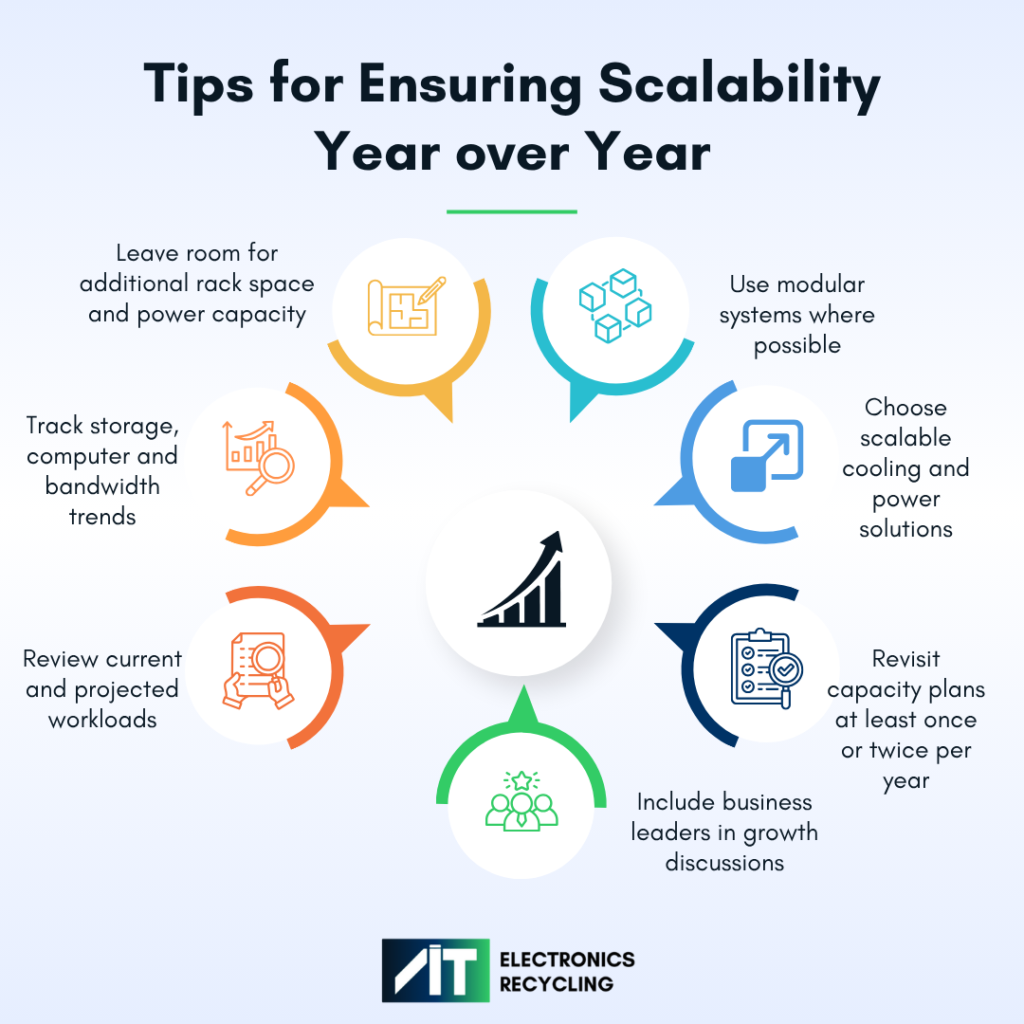
When infrastructure cannot support business growth, new hardware becomes a bottleneck instead of a strategic asset.
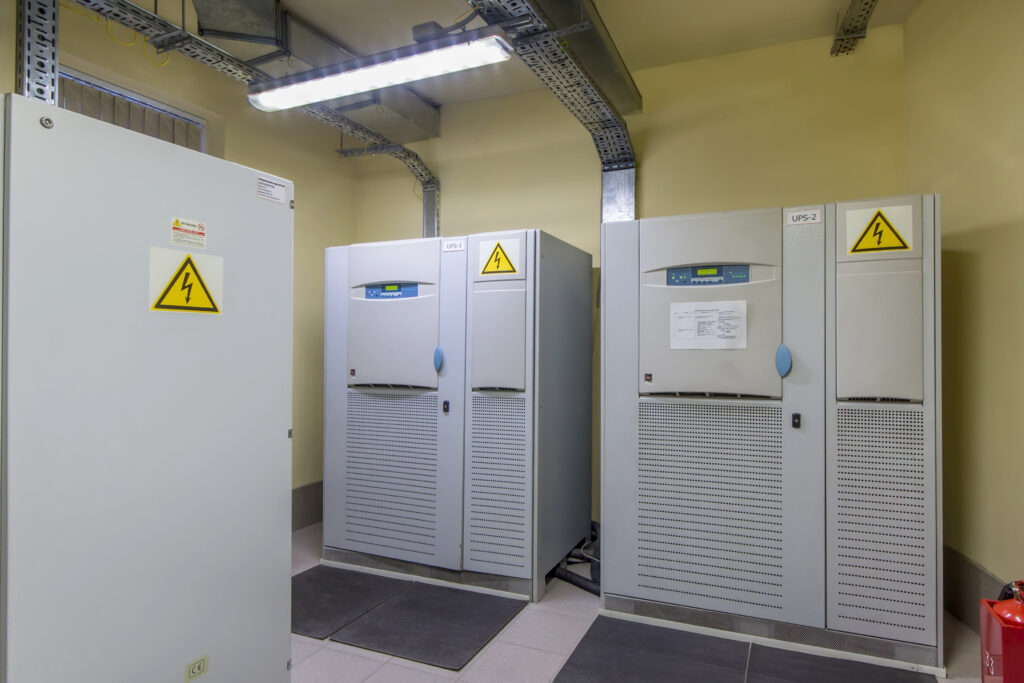
3. Prioritize Smart Power Management
Why It Matters
Power management problems can cause:
- Unplanned outages
- Equipment damage
- Higher utility costs
- Reduced backup capacity
- Increased heat output
- Lower operational efficiency
Power problems can also affect cooling performance. When power and cooling are not managed together, the entire facility becomes less stable.
Tips for Implementing Smart power Management
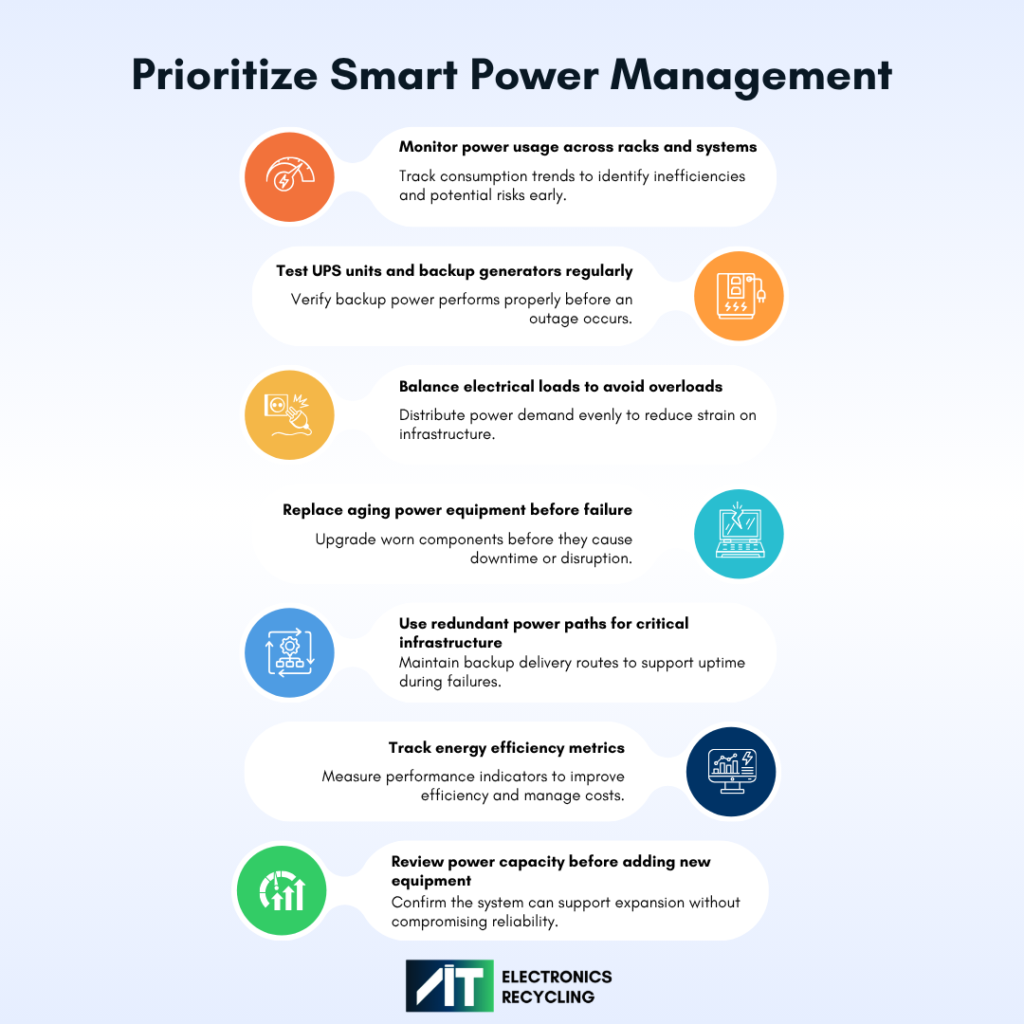
- Monitor power usage across racks and systems
- Test UPS units and backup generators regularly
- Balance electrical loads to avoid overloads
- Replace aging power equipment before failure
- Use redundant power paths for critical infrastructure
- Track energy efficiency metrics
- Review power capacity before adding new equipment
A reliable power strategy protects uptime and helps control long-term operating costs.
4. Focus On Physical Security
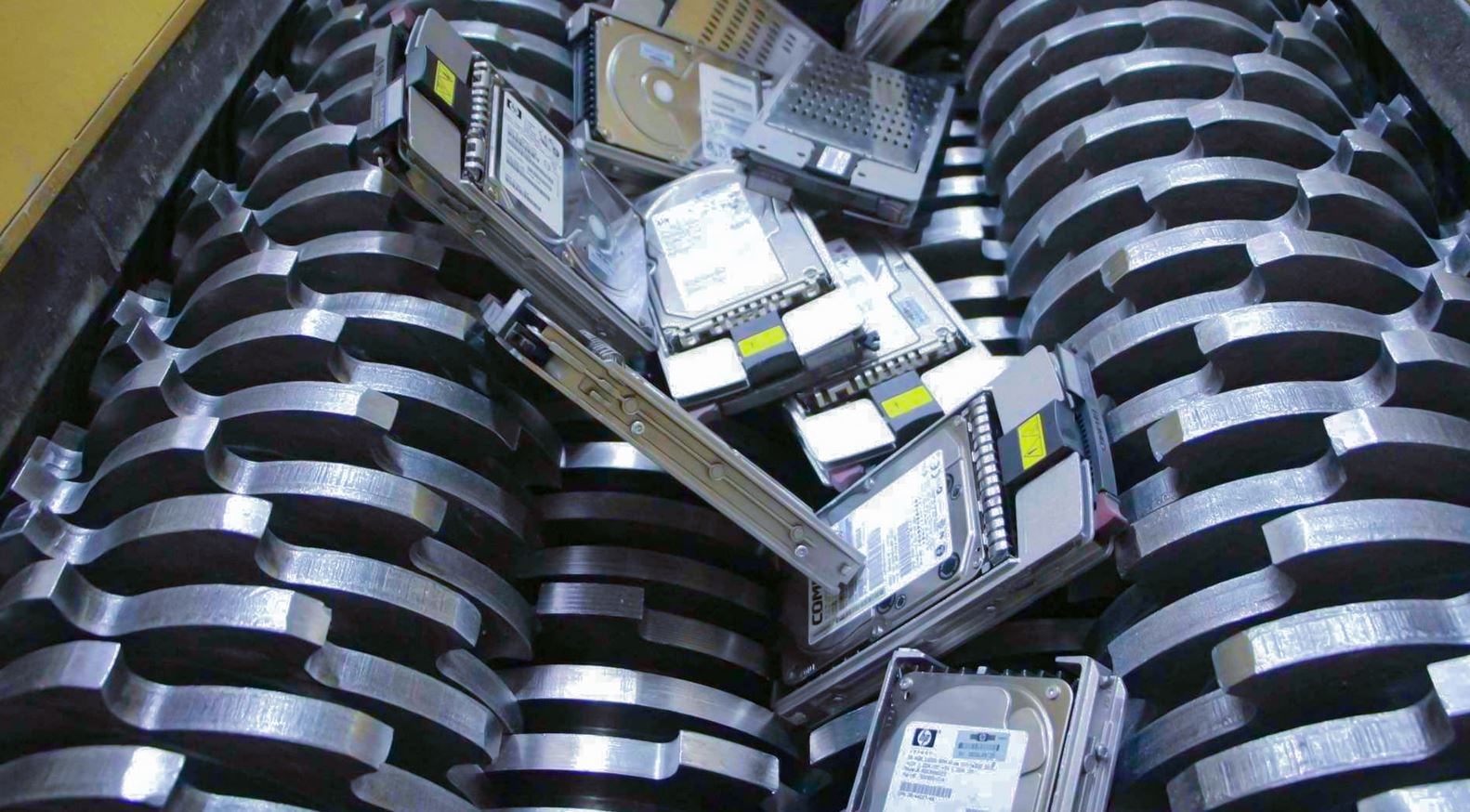
Data center security is not only about firewalls, passwords, and network controls. Physical access and retired hardware also create serious risks.
Why It Matters
Unauthorized access to server rooms, poor asset tracking, or mishandled retired hardware can put customer data, business records, and compliance requirements at risk.
These risks increase when basic safeguards are missing, including:
- Exposure of sensitive customer or business data
- Greater risk of theft, tampering, or unauthorized access
- Compliance violations and audit failures
- Loss of visibility into where assets and data reside
- Higher legal, financial, and reputational risk
- Data remaining on retired drives, servers, or devices
Security gaps can appear at any stage of the data center lifecycle, from installation and daily operations to upgrades, decommissioning, and final disposal.
5 Ways To Ensure Physical Data Security
To ensure physical data security, focus on access control, asset tracking, secure media handling, and documented chain of custody to reduce risks such as:
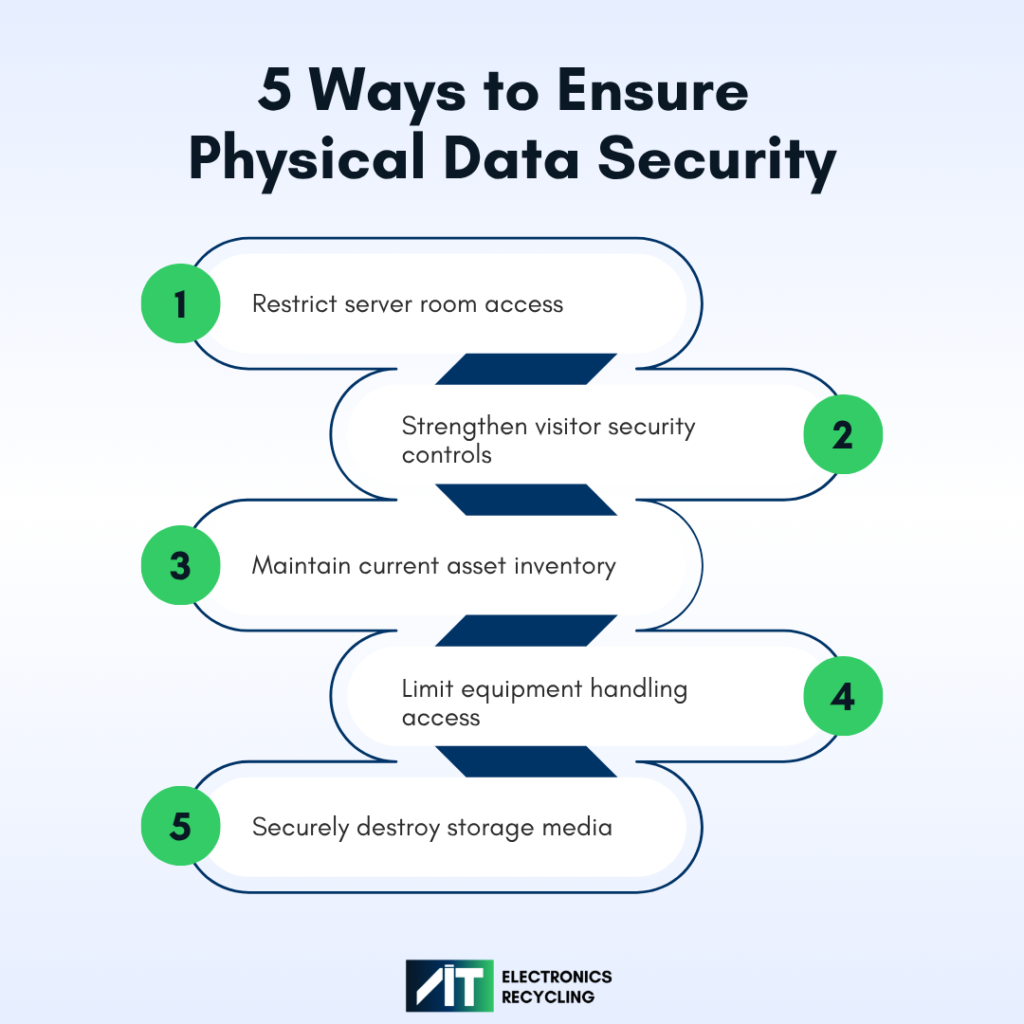
- Restrict server room access with badges, biometrics, key cards, and role-based permissions
- Require visitor approvals, logs, escorts, cameras, alarms, and door sensors for secure areas
- Maintain a current inventory of servers, drives, storage devices, and other data-bearing assets
- Limit who can move, service, transfer, or remove equipment that may contain sensitive data
- Destroy storage media before recycling, resale, or disposal, and keep chain-of-custody records
Before any server, laptop, storage array, or hard drive leaves the facility, teams should confirm that all data has been properly destroyed, the asset has been logged, and chain-of-custody records have been completed.
5. Manage Cooling Systems Properly
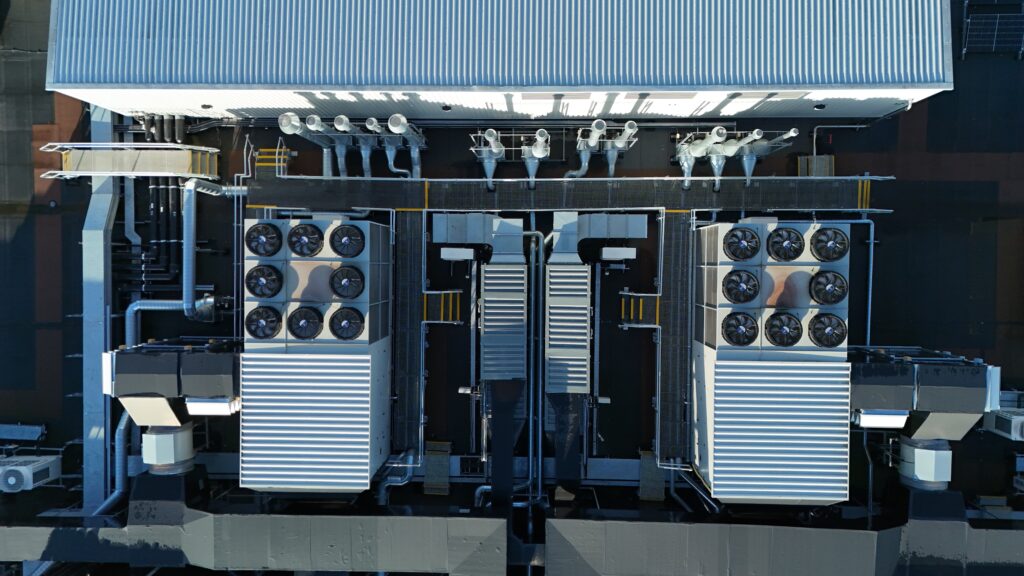
Cooling keeps data center equipment within safe operating temperatures. But cooling systems can become inefficient as workloads, layouts, and equipment density change.
Why It Matters
Poor cooling can cause:
- Overheating equipment
- Hardware failures
- Reduced performance
- Higher energy costs
- Shorter equipment lifespan
- Increased downtime risk
How to Properly Manage Data Center Cooling Systems
Recommended steps include:
- Use hot aisle and cold aisle containment
- Keep vents and airflow paths clear
- Monitor temperature and humidity in real time
- Avoid overloading high-density racks
- Inspect and maintain HVAC systems regularly
- Seal gaps that allow hot and cold air to mix
- Match cooling output to actual workload demand
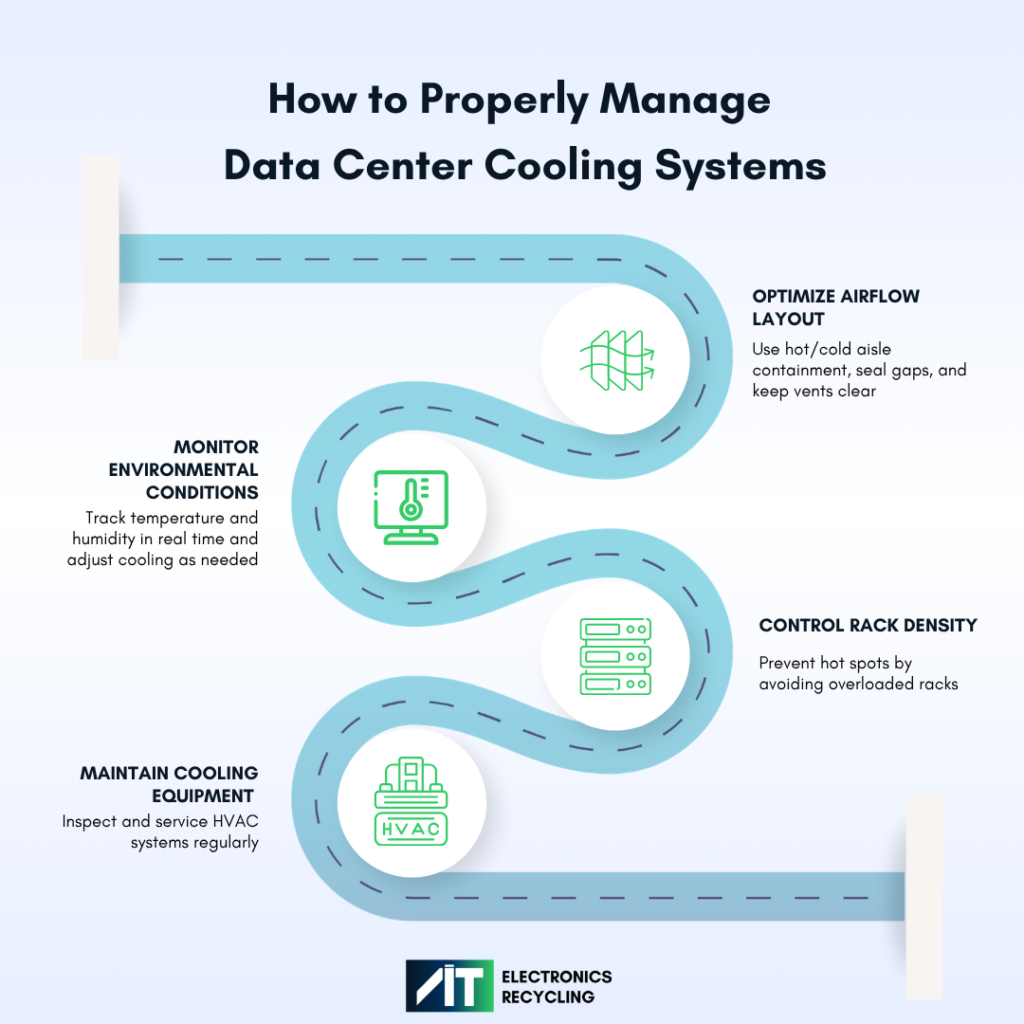
Efficient cooling improves uptime, reduces waste, and helps equipment last longer.
6. Stay Ahead of Compliance Standards

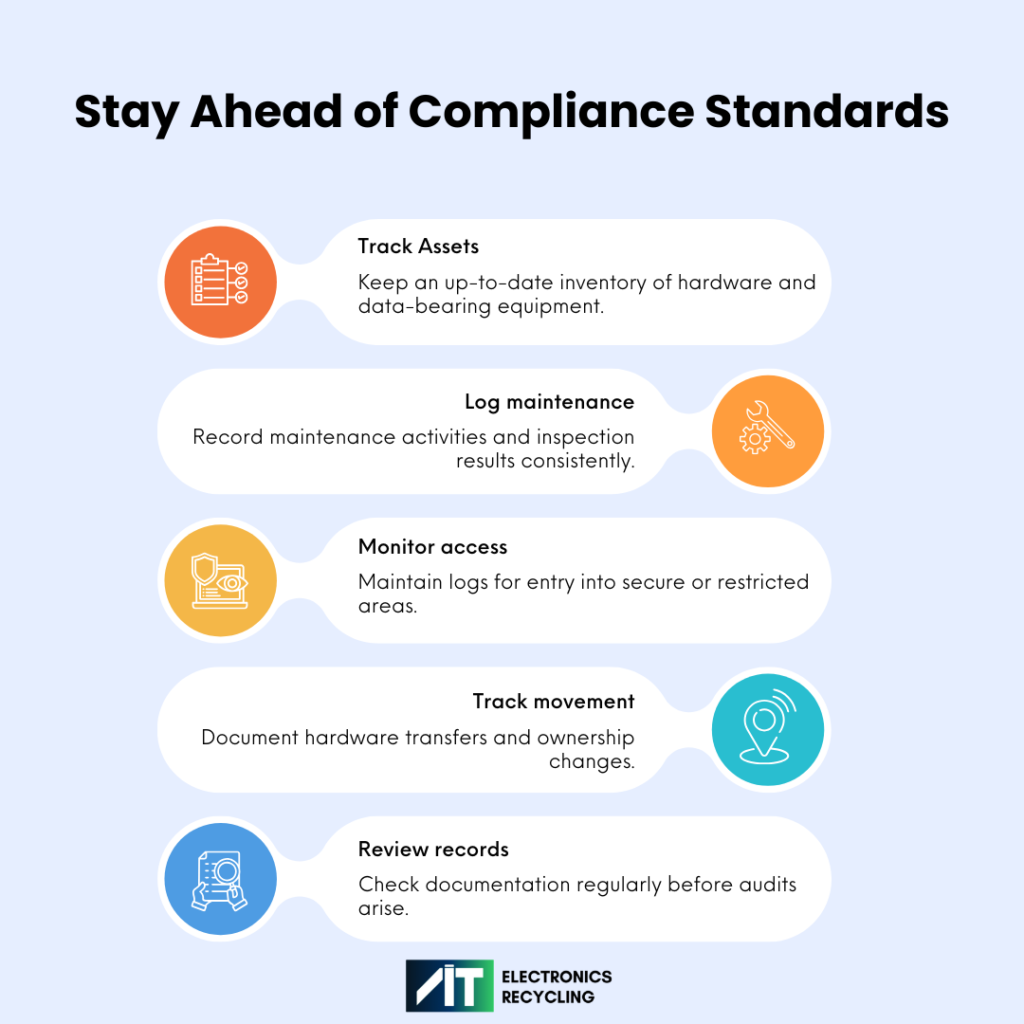
Compliance standards are the rules, requirements, and documented practices organizations follow to protect data, maintain security, and meet legal or industry expectations. They often cover areas like access control, chain-of-custody asset tracking, maintenance records, data destruction certificates, and audit readiness.
Why It Matters:
Overlooking compliance standards can lead to:
- Failed audits
- Regulatory penalties
- Delayed investigations
- Weak incident response
- Loss of customer trust
- Higher legal exposure
Meeting compliance standards requires visibility and accountability. Organizations need to show what happened, when it happened, who approved it, and what records support it. That means treating documentation as an ongoing practice, not a last-minute audit task.
Helpful steps include:
- Keep a current inventory of hardware and assets
- Document maintenance work and inspection results
- Maintain access logs for secure areas
- Track hardware movement and ownership changes
- Review documentation before audits, not during them
7. Plan Ahead for Upgrades and End-of-Life Equipment

Planning ahead for upgrades and end-of-life equipment helps organizations stay ahead of hidden risks. Older systems may still function, but proactively managing their lifecycle makes them easier to support, more secure, and less costly to maintain. Organizations should define the process for removal, data destruction, recycling, and replacement well in advance so when the time comes, the transition is controlled, compliant, and documented.
Why It’s Worth Getting Ahead Of:
Without proactive upgrade planning, organizations risk:
- Security vulnerabilities
- Compatibility issues
- Higher maintenance costs
- Reduced performance
- Limited vendor support
- Compliance concerns
- More difficult migrations later
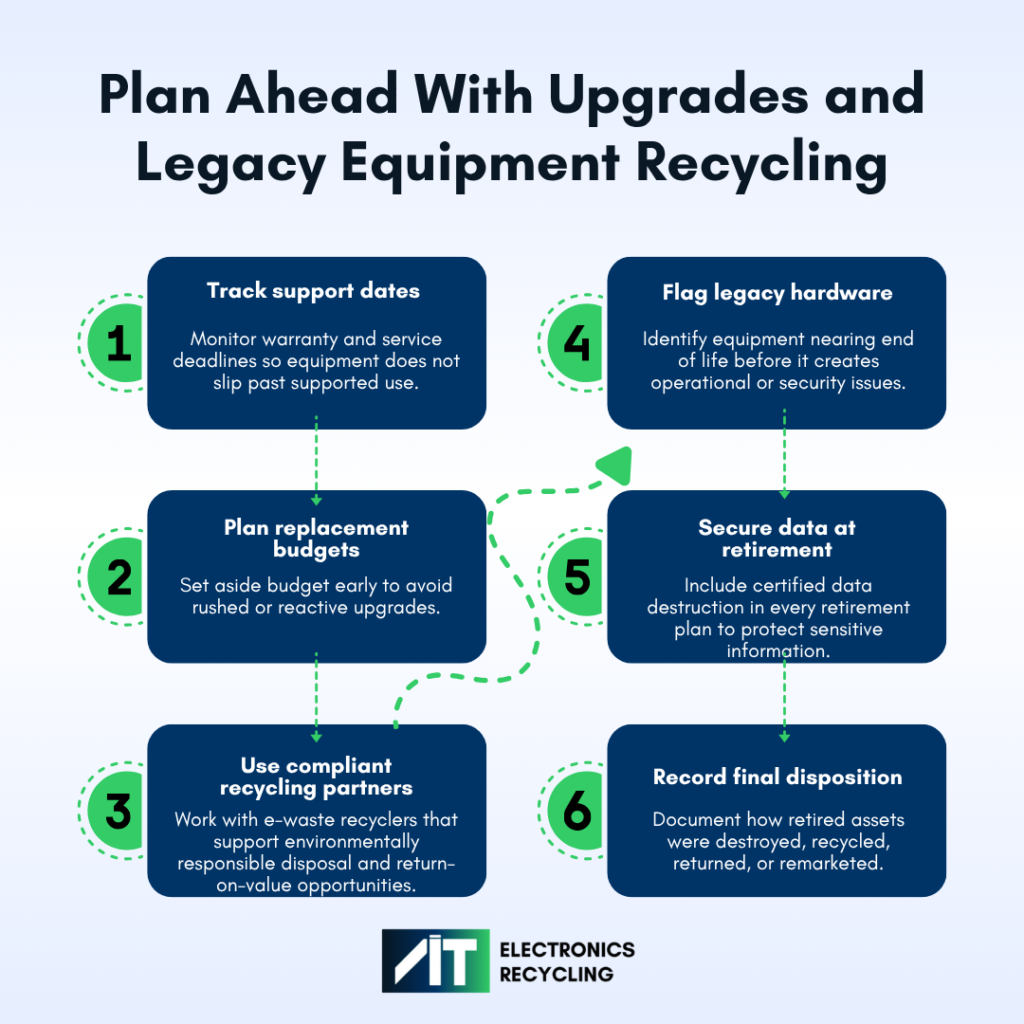
How to Build a Hardware Lifecycle Plan:
A proactive hardware lifecycle plan covers every stage of an asset’s life, from purchase and deployment through maintenance, replacement, and retirement. Building a strong lifecycle plan starts with a few key practices:
- Track warranty and support expiration dates
- Identify systems that are near end of life
- Budget for replacements in advance
- Include secure data destruction in retirement plans
- Partnering with e-waste recyclers for environmentally compliant recycling or return-on-value options
- Document final disposition for retired assets
Proactive upgrades and end-of-life planning strengthens security, keeps operations running smoothly, supports compliance, and makes transitions far easier to manage when the time comes.
Most data center mistakes are preventable with proper data center management. With the right planning, teams can improve uptime, protect sensitive data, control costs, and stay better prepared for audits.
The key is to manage the data center as a full lifecycle environment. That means maintaining equipment, planning for growth, monitoring power and cooling, securing physical and digital assets, keeping strong documentation, and retiring outdated hardware the right way.
If your organization is preparing for a data center refresh, relocation, equipment retirement, or secure asset disposition project, AIT can help you plan the next step with a practical, compliance-focused approach.
FAQ: Data Center Mistakes, Uptime, Security, and Compliance
What are the most common data center mistakes?
Common data center mistakes include skipping preventive maintenance, underestimating future capacity needs, weak power management, poor physical security, inefficient cooling, incomplete compliance documentation, and delayed upgrades or equipment retirement.
Why is preventive maintenance important for data center uptime?
Preventive data center management helps identify small issues before they cause downtime. Regular inspections, monitoring, testing, and equipment reviews can reduce failures across power, cooling, server, storage, and network systems.
How can data centers improve uptime?
Data centers can improve uptime by maintaining critical equipment, monitoring power and cooling, using redundant systems, planning for growth, strengthening security, and replacing aging infrastructure before it becomes a risk.
What role does compliance documentation play in data center management?
Compliance documentation proves that required processes were followed. It can include maintenance records, access logs, asset inventories, certificates of destruction, recycling records, and security update reports. Strong documentation supports audits and reduces regulatory risk.
Why is end-of-life planning important for data center equipment?
End-of-life planning helps organizations replace outdated equipment before it creates security, performance, or compliance problems. It also ensures retired hardware is tracked, data is securely destroyed, and assets are disposed of responsibly.
How can cooling efficiency reduce data center costs?
Efficient cooling reduces energy waste and helps equipment operate safely. Better airflow, hot and cold aisle containment, regular HVAC maintenance, and real-time temperature monitoring can lower costs while improving reliability