Table of Contents
Microsoft Windows 10 end of support – October 14, 2025. That date marks a hard deadline that every IT team needs on their calendar. After that date, Microsoft stops shipping free security patches, feature updates, and technical fixes for Windows 10.
Here’s what you’ll take away from this guide: what the deadline actually changes, whether your hardware can move to Windows 11, how the Extended Security Updates program works, and how to retire the machines you replace without creating a compliance gap or an e-waste problem. The goal is simple. Give you a clear path to act now, well before the deadline forces a rushed decision.
What the October 14, 2025 Deadline Really Means
When Microsoft Windows 10 end of support hits on October 14, 2025, the software keeps running, but the safety net disappears. Your Windows 10 machines will still boot and operate, yet they’ll no longer receive:
- Security patches for newly discovered vulnerabilities
- Bug fixes and stability improvements
- Feature updates and quality-of-life changes
- Standard technical support from Microsoft
For a data center or managed fleet, that last point matters most, since unpatched endpoints become soft targets. Every vulnerability disclosed after the cutoff stays open on your Windows 10 systems unless you take specific action. In regulated environments, running unsupported software can also put you out of step with compliance frameworks that require actively maintained systems.
However, unsupported doesn’t mean unusable, but it does mean unprotected. Planning your migration or retirement schedule now keeps you in control of the timeline.
Can Your Hardware Run Windows 11?
The obvious answer to Windows 10’s retirement is upgrading to Windows 11 – but Windows 11 raises the hardware bar, and not every machine in your fleet will qualify. Before you plan a mass upgrade, confirm compatibility against the core requirements.
The TPM 2.0 Requirement
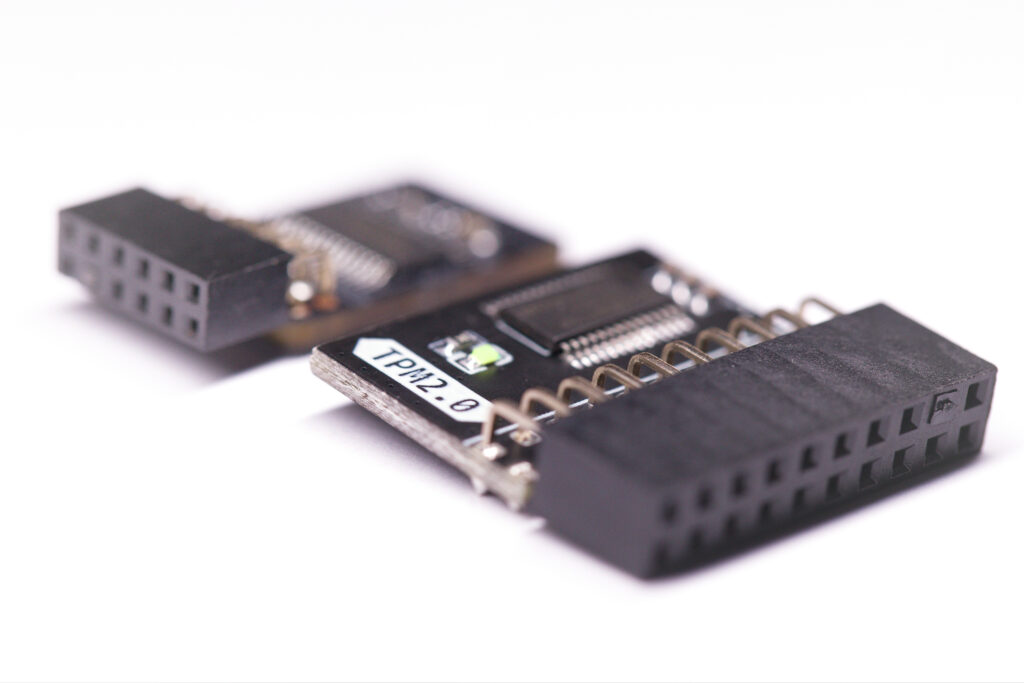
Windows 11 requires a Trusted Platform Module (TPM) 2.0 chip. A TPM is a dedicated security processor that stores cryptographic keys, supports secure boot, and helps protect against firmware-level and hardware-based attacks. Many older business PCs either lack a TPM 2.0 module or have it disabled in the BIOS.
No More 32-Bit Support
Windows 11 runs only on 64-bit processors; any 32-bit machines still in your environment cannot make the jump, full stop. These systems are strong candidates for retirement rather than upgrade.
Other Baseline Requirements
To run Windows 11, devices also need:
- A compatible 64-bit processor (1 GHz or faster, 2+ cores)
- 4 GB of RAM minimum
- 64 GB of storage or larger
- UEFI firmware with Secure Boot capability
- A DirectX 12 compatible graphics card
Auditing compatibility across hundreds or thousands of endpoints takes a lot of time, so you should run that inventory early. It tells you exactly how many machines can be upgraded in place and how many need to be replaced and responsibly retired.
Not Ready to Migrate? The Extended Security Updates (ESU) Option
If you can’t complete migration before October 14, 2025, Microsoft offers a bridge: the Extended Security Updates (ESU) program. ESU delivers critical and important security patches for Windows 10 beyond the end-of-support date, giving teams breathing room to finish a phased transition.
A few points to keep in mind:
- ESU is a paid, temporary measure, not a long-term fix.
- Pricing typically increases each year, making it more expensive the longer you rely on it.
- It covers security updates only, not new features or general technical support.
ESU is best treated as a safety valve for machines you can’t migrate on schedule, not as an excuse to delay planning. Use it to protect critical systems while you execute an orderly refresh and retirement of the rest.
The 240 Million PC E-Waste Risk

Industry estimates suggest the Windows 10 transition could push roughly 240 million PCs toward retirement. That’s a staggering volume of hardware, and how it’s handled determines whether it becomes a liability or a recoverable asset.
The stakes are both environmental and financial: Globally, only about 20% of the 50 million tons of e-waste generated each year is recycled properly. Improper disposal wastes valuable recoverable materials, from gold and silver to copper, and creates real data-security exposure when storage media like hard drives leave your control without certified destruction.
Retire Windows 10 Hardware the Right Way
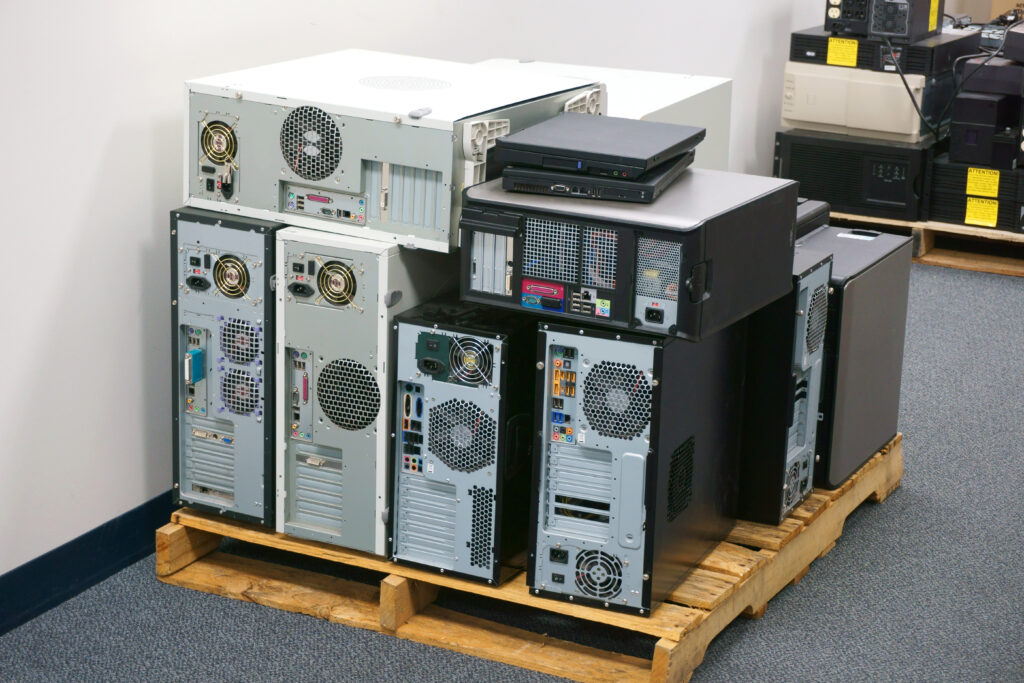
Replacing incompatible machines is only half the job; the other half is retiring the old ones securely. Every device leaving your facility may carry sensitive data, licensing keys, or configuration details, and each one needs proper handling before it’s recycled or destroyed.
A disciplined retirement process would involve a structured ITAD program, which protects you from:
- Data breaches from drives that were never properly sanitized
- Compliance gaps when destruction isn’t documented for audits
- Environmental liability from improperly discarded electronics
AIT helps organizations turn any hardware transitions into secure, documented, and sustainable processes from end to end.
AIT’s Full-Lifecycle ITAD and Recycling Services
- Certified data destruction compliant with NIST SP 800-88, IEEE and NAID standards, with a serialized Certificate of Destruction for audit-ready proof
- Full-service IT asset disposition (ITAD) managed by our in-house team, from inventory through final processing
- Chain-of-custody tracking and asset tagging so every device is accounted for from pickup to completion
- Responsible e-waste recycling aligned with R2v3 and e-Stewards standards
- Value recovery on eligible hardware to offset the cost of your refresh
- Recycling reports with a full chain of custody material breakdown, useful for gaining a sustainability snapshot for your organization
Your 3-Step Path to a Secure Hardware Retirement

Getting started with AIT is straightforward:
- Contact us and tell us about your retiring fleet.
- Receive and approve your quote tailored to your amount of e-waste, locations and requirements.
- Schedule your pickup, and we’ll handle secure data destruction and certified recycling from there.
Act Before the Deadline
Microsoft Windows 10 end of support on October 14, 2025, is fixed, but your response doesn’t have to be reactive. Audit your fleet for Windows 11 compatibility, decide where ESU fits as a short-term bridge, and build a retirement plan for the machines you replace, before the deadline forces a rushed, risky scramble.
Back up what you need, destroy what you don’t, and recycle responsibly. That sequence keeps your data secure, your compliance intact, and your retired hardware out of the landfill.
Ready to retire your Windows 10 fleet without the risk? Schedule a secure pickup with AIT today and put your data destruction and recycling in expert hands.