Discover why hitting ‘delete’ isn’t enough to protect your data. Learn how to truly erase sensitive information with certified data destruction.
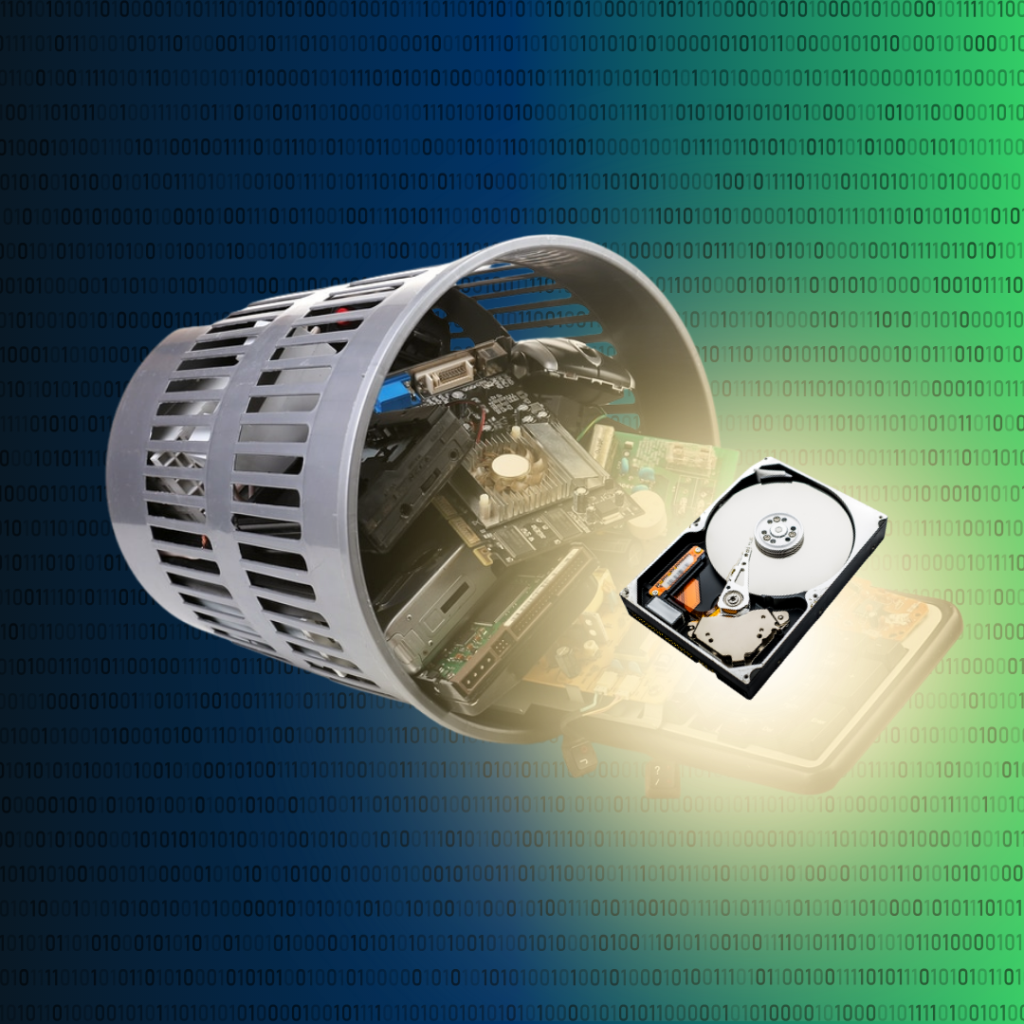
In 2020, improper disposal of electronics led to 16 reported incidents, exposing nearly 600,000 records, according to HIPAA Journal. It’s a chilling reminder that when you hit “delete,” your data doesn’t just vanish – it lingers, waiting to be found. Are you leaving your most sensitive information exposed?
Most people believe that dragging a file to the recycle bin is the end of the story. The truth is, it’s just the beginning. Without proper data destruction, you’re not just clearing space on a device – you’re potentially leaving a backdoor open for a costly data breach.
What Is Data Destruction?
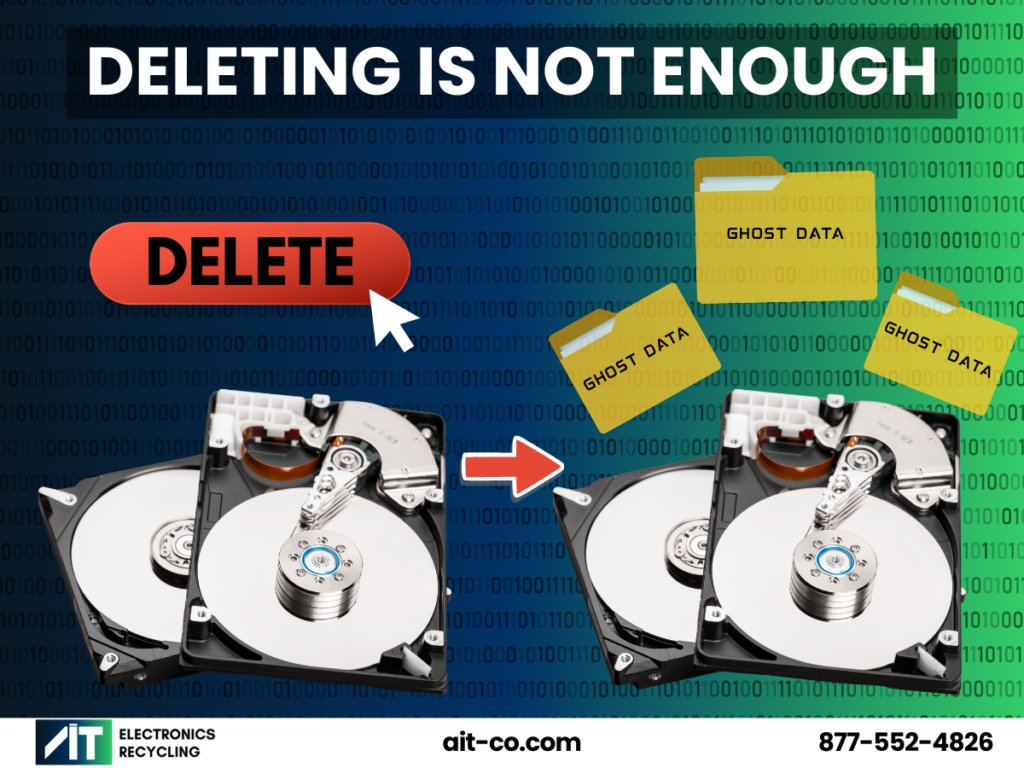
When you “delete” a file, your computer doesn’t erase it. Instead, it simply marks the space the file occupies as “available” for new data. Until that physical space on the hard drive is overwritten or the hard drive is physically destroyed, the original file remains intact and can be easily recovered with basic software. True data destruction is the process of ensuring that information is irretrievably erased or physically destroyed.
“Data destruction isn’t just about ticking a compliance box. It’s about protecting people and businesses from real risks.” says Ian Witt, CEO at AIT. “Every device we handle has the potential to cause serious harm if not disposed of properly. Our job is to eliminate that risk.” This process applies to a wide range of devices, including:
- Hard drives (HDDs) and solid-state drives (SSDs)
- Flash drives and USB sticks
- Mobile phones and tablets
- Data tapes and backup media
How Does Data Destruction Work?
The method you choose depends on the device type, data sensitivity, and whether you plan to reuse the hardware. Here are the three industry-standard methods for ensuring your data is gone for good.
1. Overwriting (Data Wiping)
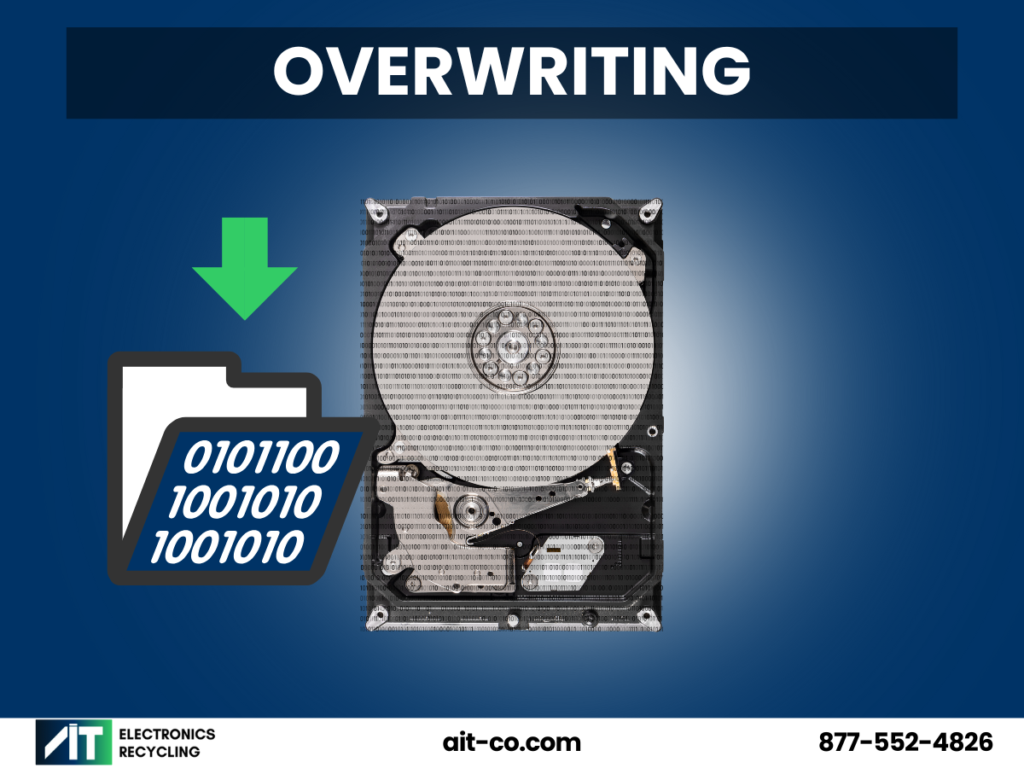
Imagine a chalkboard. If you erase a sentence with a dry eraser, a faint outline of the words often remains. But if you scribble chalk over every inch of the board, the original message is completely obscured. Overwriting works the same way, using specialized software to write patterns of random binary code (0s and 1s) over your existing data. This process is repeated multiple times to bury the original information completely.
- Pros: The drive remains functional for re-use.
- Cons: Data is still not destroyed. Overwriting is also ineffective on damaged hardware.
For a detailed look at data destruction best practices, check out How to Certify Data Destruction: A Complete Guide.
2. Degaussing
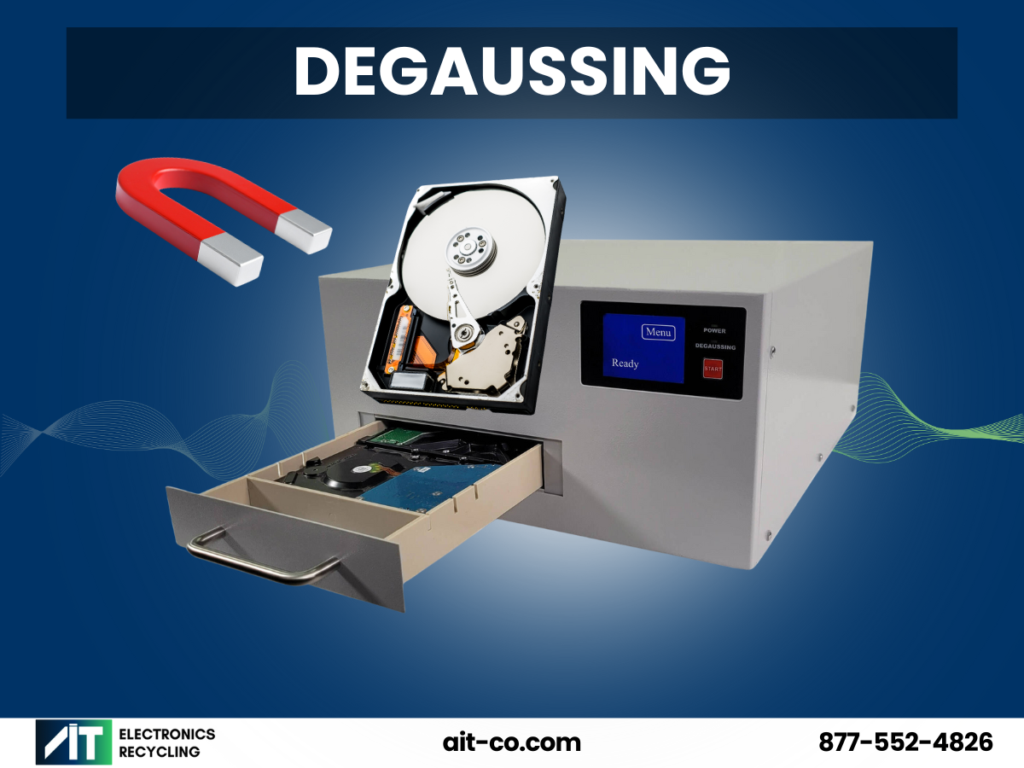
Hard disk drives (HDDs) store data using magnetic fields. A degausser is a powerful machine that generates an intense magnetic field, instantly neutralizing the magnetic domains on a drive’s platters. This scrambles the data, rendering it permanently unreadable. It is an extremely fast and effective method for magnetic media.
- Pros: Incredibly fast and secure for HDDs and data tapes.
- Cons: The process renders the hard drive completely useless, but it is ineffective on solid-state drives (SSDs), which store data electronically rather than magnetically.
For a deeper look at why degaussing isn’t effective on SSDs, check out Does Degaussing Work on SSDs? The Surprising Truth.
3. Physical Destruction (Shredding)
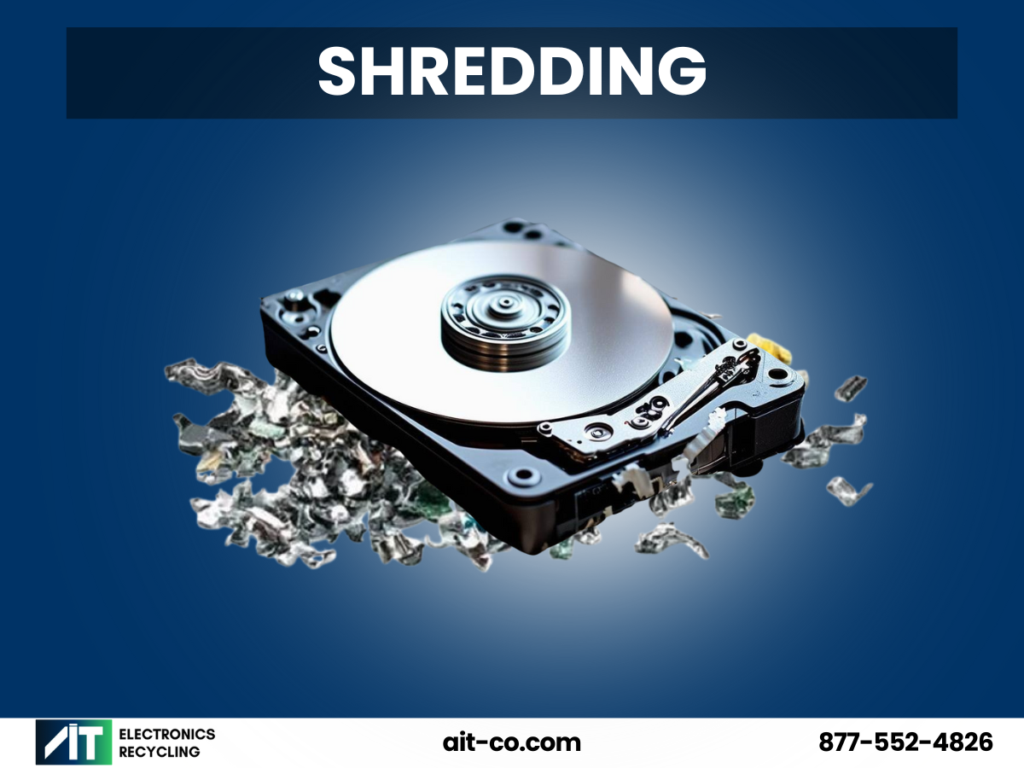
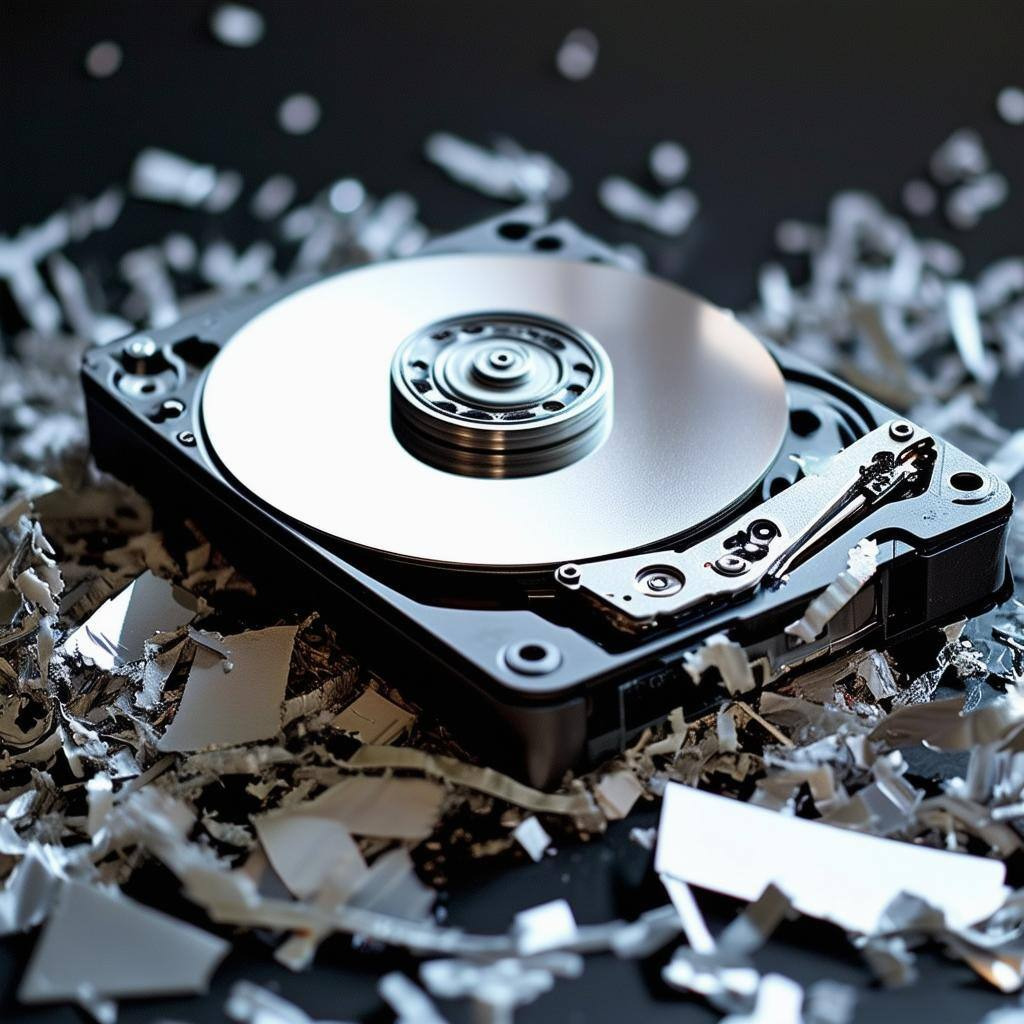
Physical destruction is the ultimate form of data security. This method involves using an industrial shredder to mechanically grind hard drives, SSDs, phones, and other devices into tiny, unreconstructible pieces of metal and plastic. While other methods like crushing or drilling exist, shredding is considered the gold standard by the National Institute of Standards and Technology (NIST) for its comprehensive and irreversible results.
- Pros: It is 100% effective for all device types, including SSDs and damaged drives.
- Cons: The device is destroyed and cannot be reused; its raw materials can only be recycled.
Why “Certified” Matters for Your Business
Certified data destruction means a professional service handles the process according to strict industry standards. Afterward, they provide a Certificate of Destruction, which is a legal document that serves as your proof of compliance.
This certificate typically includes:
- The date of destruction.
- The method used (e.g., shredding, degaussing).
- A serialized list of all destroyed devices.
- A signature from the technician verifying the completion of the job.
If your company ever faces an audit or a legal inquiry about data privacy, this certificate is your definitive proof that you handled sensitive information responsibly.
When Is Data Destruction Necessary?
While not a daily task, data destruction is a non-negotiable step at several key points in an asset’s lifecycle.
- Employee Turnover: When an employee leaves, their laptop or phone must be securely wiped before being reassigned. This protects both the previous user’s privacy and your company’s proprietary information.
- Upgrading IT Equipment: Businesses refresh computers and servers every few years, often leaving a closet full of old devices. Before you sell, donate, or recycle them, you must ensure they are completely free of company data.
- End of Lease: Many companies lease equipment like copiers, printers, and servers. Modern office machines have internal hard drives that store an image of every document scanned or printed. These drives must be destroyed before the equipment is returned. For information on other effective methods like degaussing and how it applies to different devices, check out Is Degaussing Effective for Data Destruction?
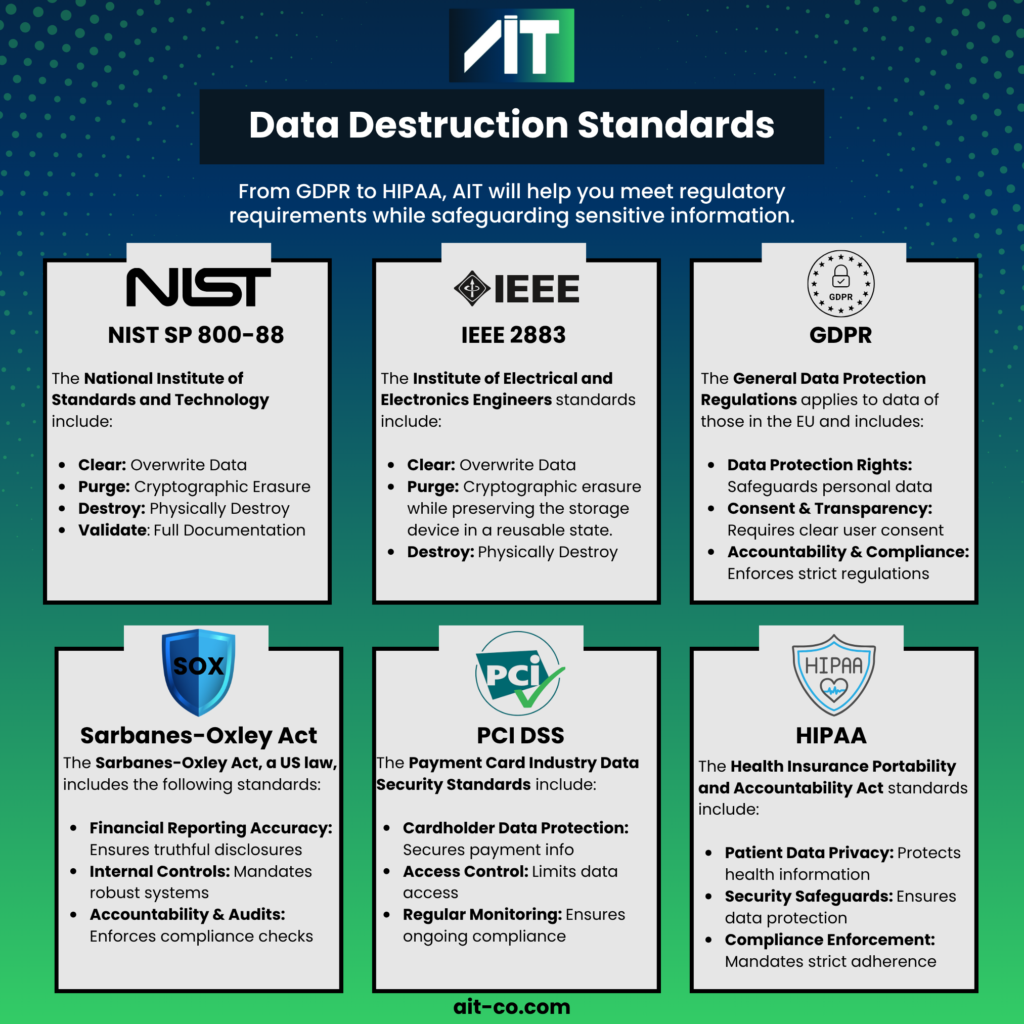
- Compliance Requirements: Regulations like HIPAA (for healthcare), GDPR (for EU data), and various financial laws mandate the protection of consumer data. Proper data destruction isn’t just a best practice – it’s the law. To understand the specific standards and how they apply, see Key Data Destruction Standards: NIST, GDPR, HIPAA, and PIPEDA
Protect Your Data with AIT
Your data is one of your most valuable assets. Protecting it shouldn’t end when you’re done with a device-that’s when it becomes most critical. Whether you need to wipe a drive for reuse or destroy it completely for maximum security, the goal remains the same: ensuring your sensitive information stays yours.
At AIT, our certified data destruction services provide organizations with reliability, security, and full compliance. Our expert team ensures every storage device is handled according to the highest industry standards, providing an audit-ready Certificate of Destruction that guarantees your data is gone forever.
Don’t leave your company’s data security to chance. Contact us today to discuss how AIT can safeguard your data with the highest data destruction standards.